Make Chrome trust your self-signed Root CA on macOS
September 26, 2025 Leave a comment
Problem
Harbor: Self-signed certificates are suitable for quick localhost tests, but they are not recommended for production or shared environments.
Chrome shows “Not Secure” for my test Golden Gate 23ai setup, where I decided to use a self-signed certificate:
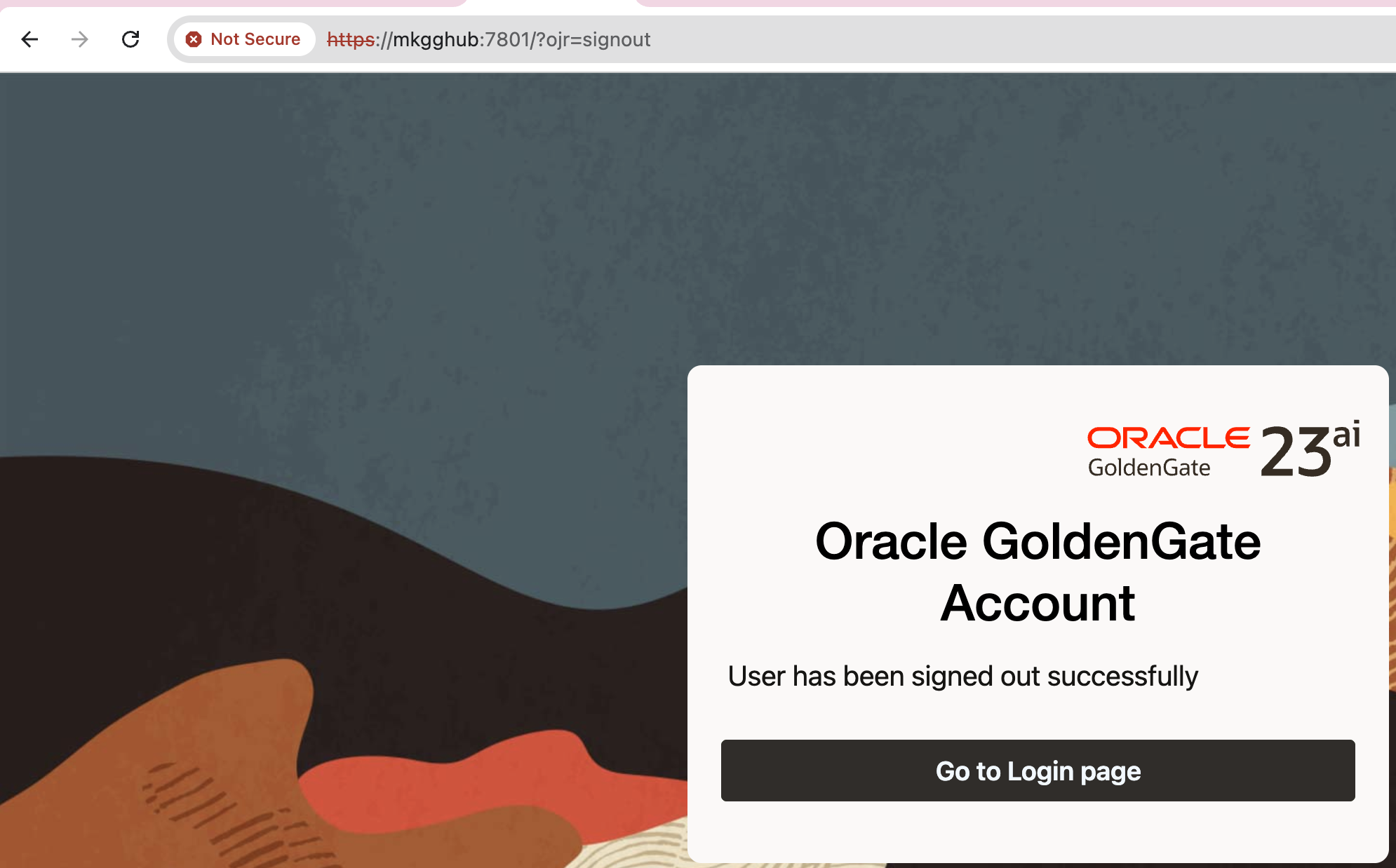
Chrome does not trust the issuer (my self-signed Root CA), which is normal.
Solution
We need to trust Root CA on macOS. For the command line, please see below.
I will start by explaining the GUI version for better visibility. However, I also have a simple command available, please check below.
- Open Keychain Access -> System keychain -> File -> Import Items… -> pick
ca-cert.pem.
If you cannot find Keychain Access, then type chrome://certificate-manager/ in URL and click Manage imported certificates from MacOS
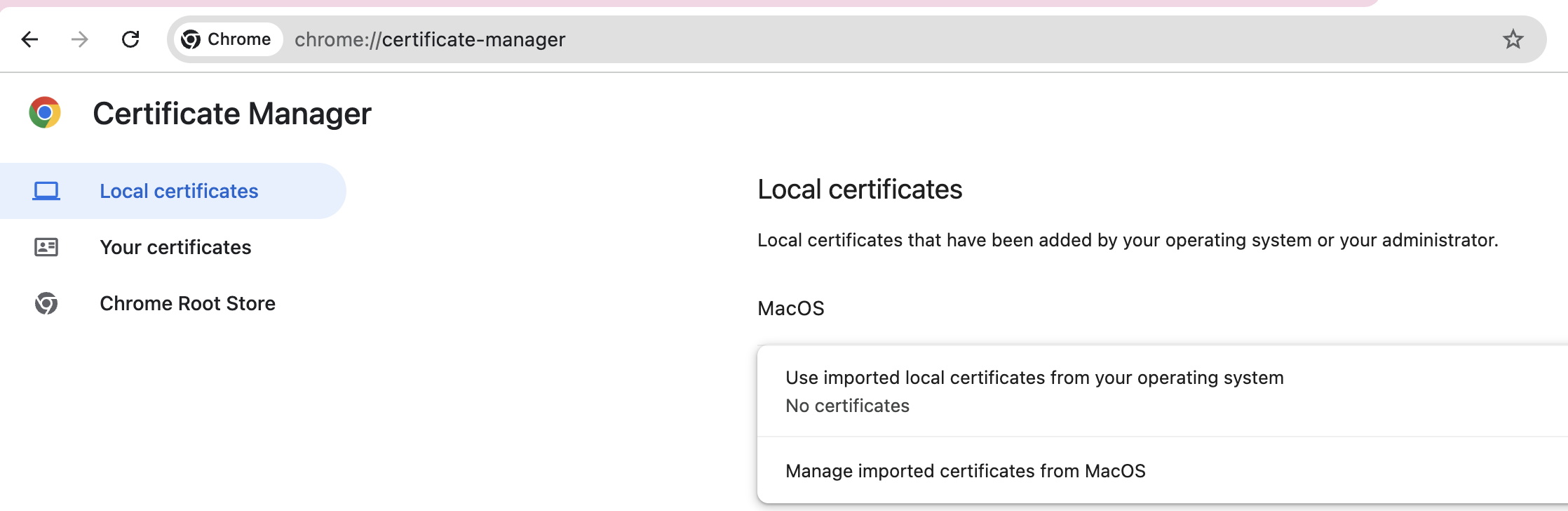
On the pop-up window, choose Open Keychain Access:
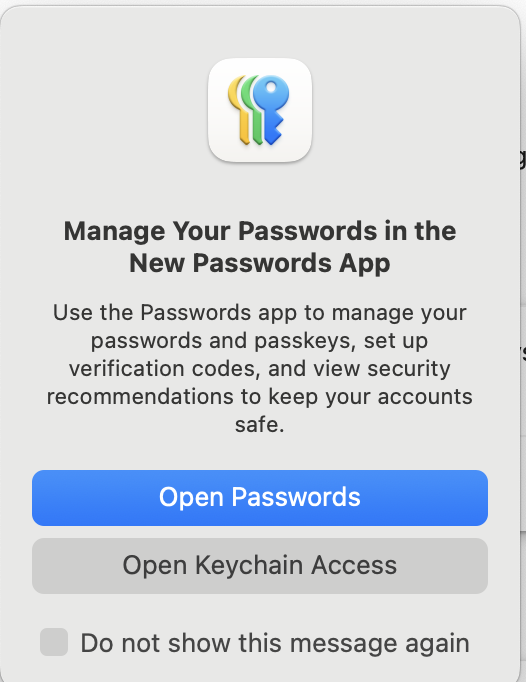
Since you are in the right section, now you can check the steps that I provided before.
- Double-click the CA -> Trust -> When using this certificate: Always Trust.
- Quit & reopen Chrome.
CLI equivalent:
$ sudo security add-trusted-cert -d -r trustRoot \
  -k /Library/Keychains/System.keychain ca-cert.pem
Running the above command will install ca-cert.pem in the correct location. You still need to restart Chrome.
After restarting the Chrome, here is the result:
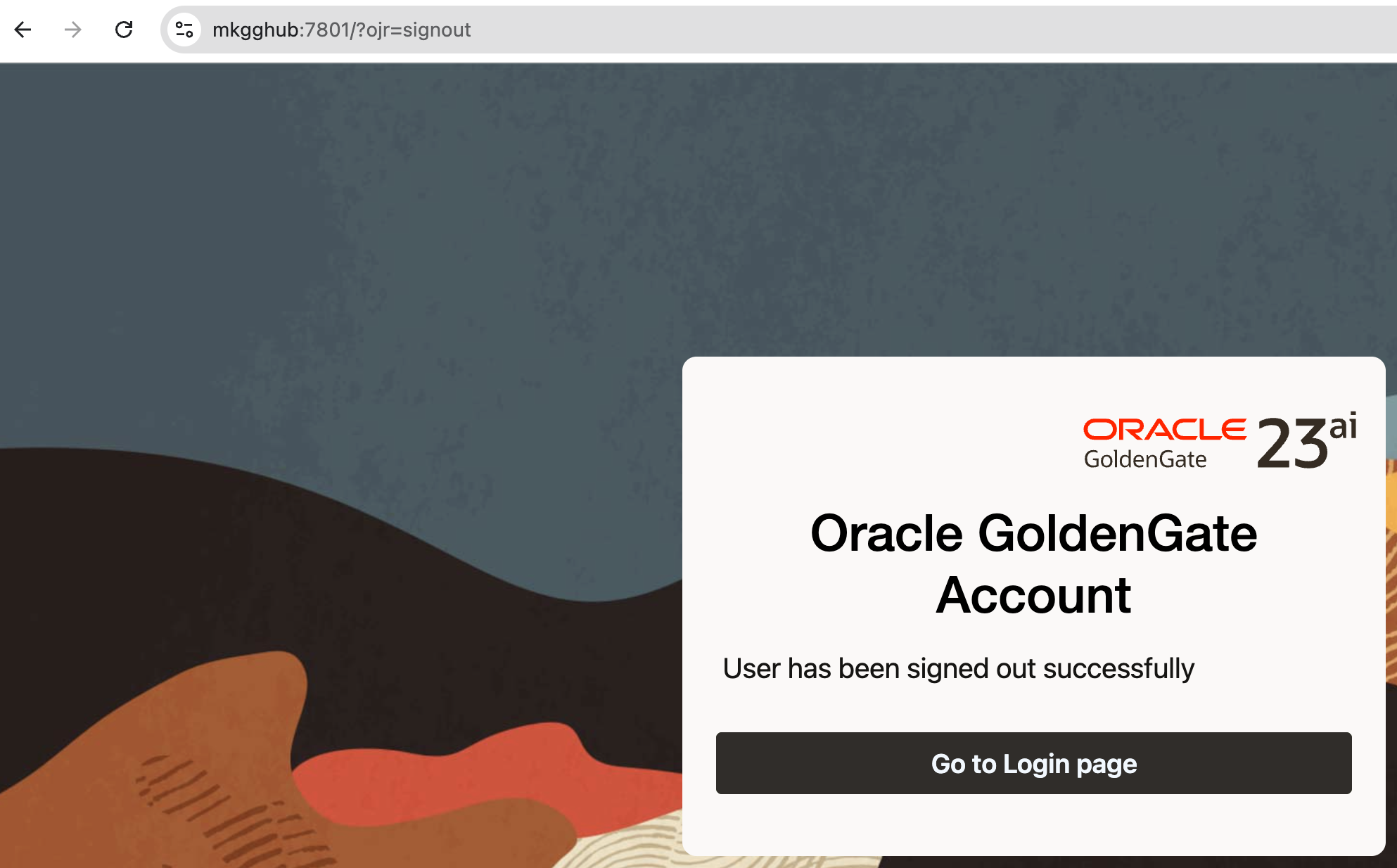
Note: Make sure your server certificate includes a Subject Alternative Name (SAN) for the exact hostname you’re visiting (e.g., mkgghub). CN alone isn’t enough for modern browsers.
 About Mariami Kupatadze
 DBA Knowledge Base